

AlignerBeta
Aligner introduces a flexible, and open structure for work and task coordination, and makes people and agents native participants in it.
Windows and Linux coming soon.
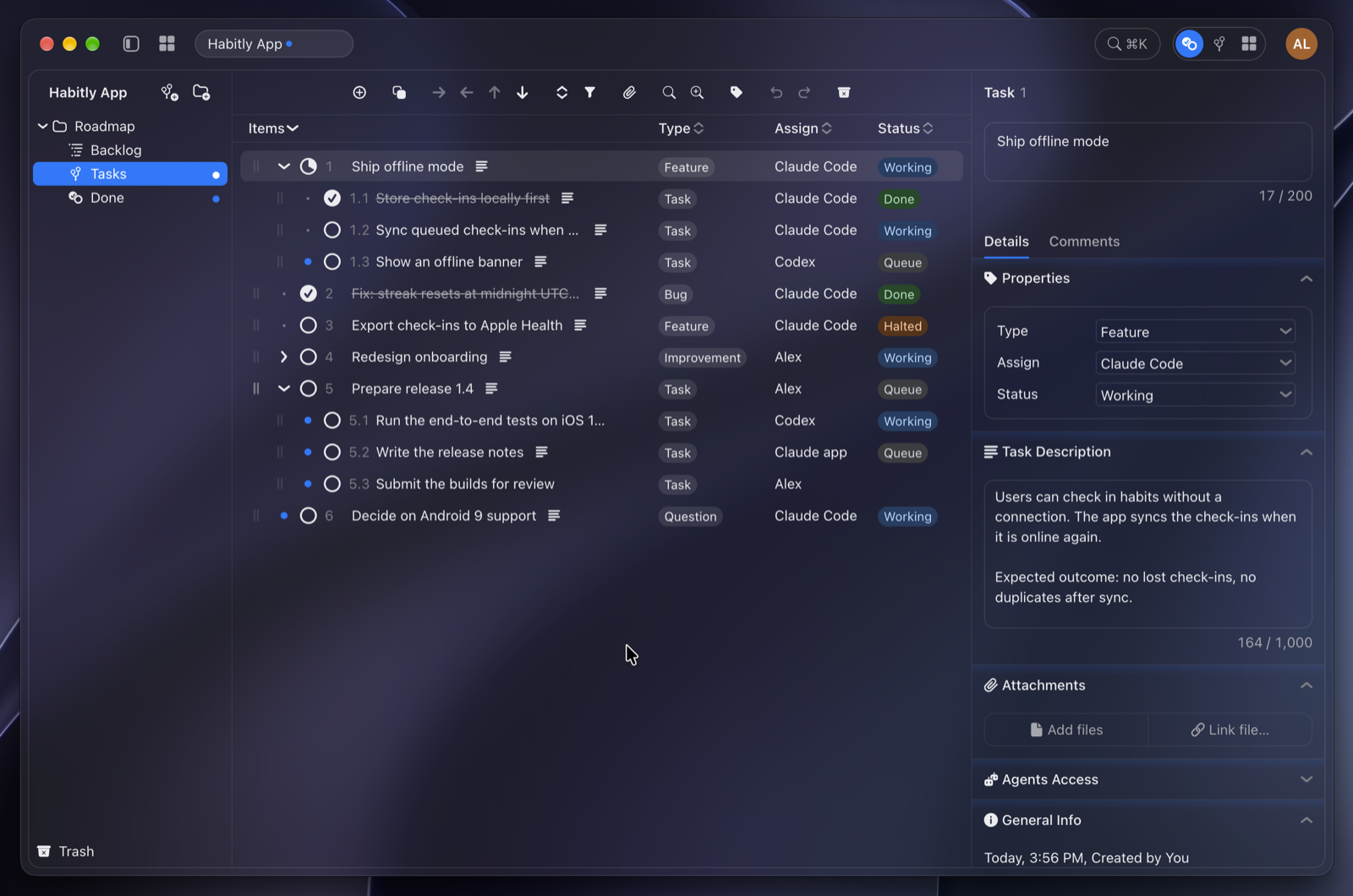
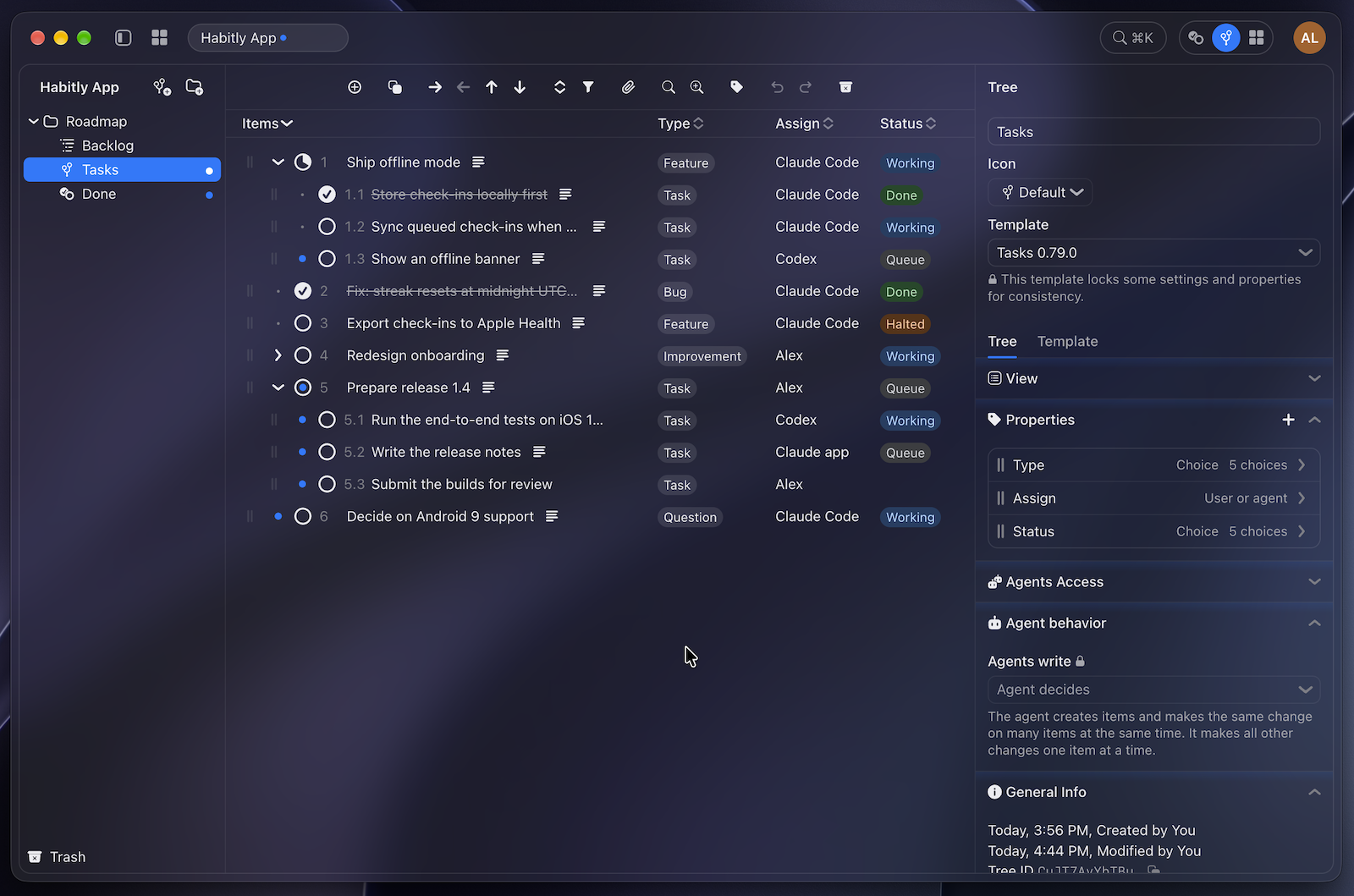
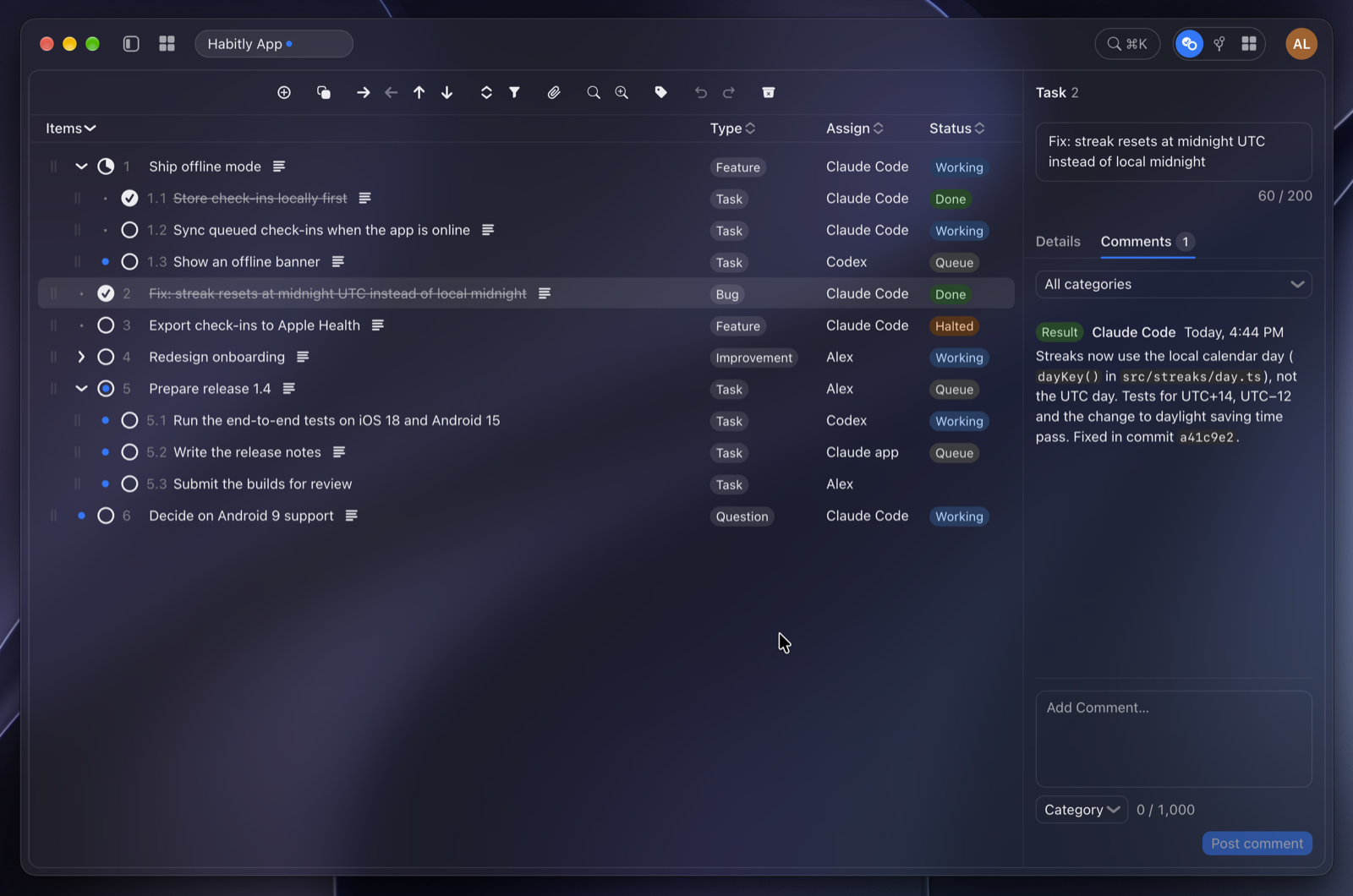
Built for people and agents.
Work is increasingly shared between people and AI agents. Aligner treats both as first-class participants: each can take on work, report on it and see the work of others as it happens. Coordination includes everyone from the start.
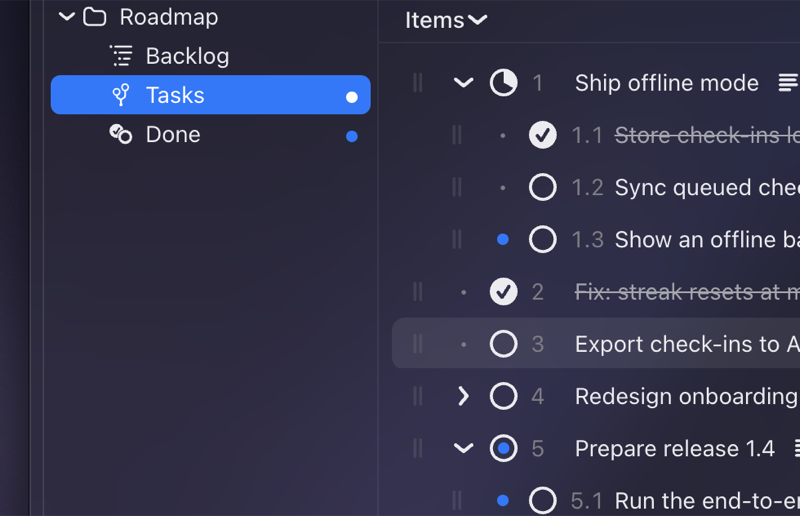
A structure that adapts to your work.
Every organization works differently. Aligner provides nested structures with custom fields and computed values, so teams can model their work, and extend that model as the work evolves.
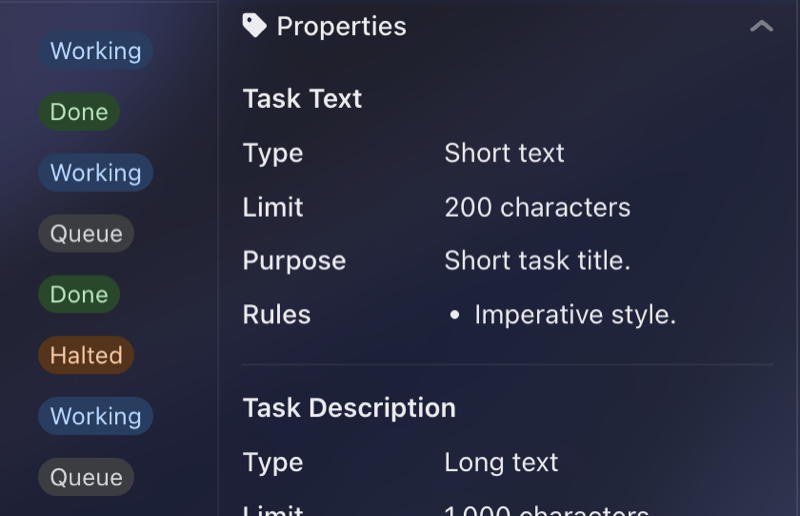
Good practice, ready to reuse.
The way your team works best is worth keeping. Save it as a template, including the rules your agents follow, and every new tree starts from what you already know works.
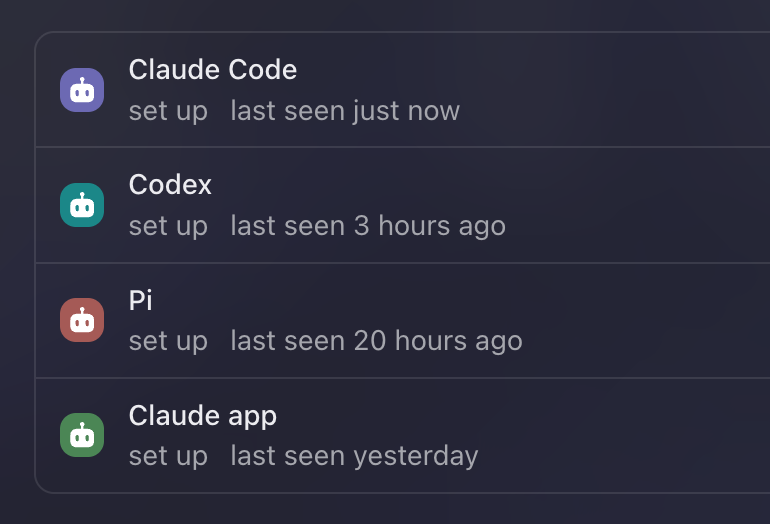
Works with the agents you already use.
Aligner connects to AI assistants and coding agents like Claude Code, Codex, Cursor, the Claude app and any client that speaks MCP. Agents work in the same structures as your team1,2, with the access you give them, and with real-time awareness.
Powerful, without the overhead.
Coordination should cost less than the work it coordinates. Aligner requires no administrator and no implementation project. Aligner is local first: your work is stored in files you control. Team1,2 and cloud1,2 are optional.
Start work with Aligner.
Windows and Linux coming soon.
Core features
Workspaces and Trees
- Workspaces for structuring trees and folders.
- Nested trees (outlines) of items, with customizable typed properties and functions.
- Filter, sort, multi-select changes, keyboard editing, undo and redo.
- Search across all trees; command palette.
Agents
- Built-in MCP server for Claude Code, Claude app, Codex, Cursor, VS Code, Pi and any MCP client.
- One-click setup; several agents per client.
- Agents start Aligner in the background when needed.
People and Agents Together
- Live editing of the same trees by people and agents.
- Live presence indicators.
- Assignment of items to people or agents.
- Comments with categories, in any tree.
- Item links and the current selection as context for agents.
- Moving and copying items between trees.
- Shared workspaces for teams1,2.
Templates and Definitions
- Tree definitions with purpose and rules, for every tree.
- Templates with properties, view settings, starting items and agent instructions.
- Own templates: save a tree as a template, change it from a tree that uses it; import, export, duplicate.
- Locked properties and settings.
- Agent edit modes: step by step or in batches.
Control and Trust
- Access levels per agent for workspaces, trees and branches.
- Approval rules for large or destructive agent changes.
- Pause for all agents.
- Author and time on every change.
- Activity log and revert of agent changes.
- Trash with restore, also for deleted items.
Files, Local First
- Workspaces stored as local packages/folders and JSON data structures.
- File attachments stored in the workspaces packages.
- Linked files outside the workspace.
- Attachments editable by agents.
- Crash-safe writes.
App
- macOS; Windows and Linux coming soon.
- Workspaces in tabs and windows.
- Automatic updates; release notes in the app.
1 May require a paid plan.
2 Coming soon.